
The surface finish is the first thing a user sees and touches, and the first thing to show wear. A glossy overlay looks excellent on a render and shows every fingerprint on the shop floor. A coarse texture hides scratches and traps grime. Neither is wrong, but each belongs somewhere different.
This guide sets out the finish options, how they combine with hardcoats and when to choose each.
Why This Matters
Finish affects four practical things: how legible the keypad is in different lighting, how it looks after months of use, how easily it can be cleaned and how it feels under the finger. It also interacts with graphics and backlighting, so it is more than a cosmetic note on a drawing.
Because finish is part of the material system, it should be chosen together with the substrate; see our guide to overlay material types.
Key Takeaways
- The main finishes are gloss, matte, fine texture and coarse texture. Each balances look, glare, fingerprints and cleaning differently.
- A hardcoat adds scratch and chemical resistance and is especially useful on polycarbonate.
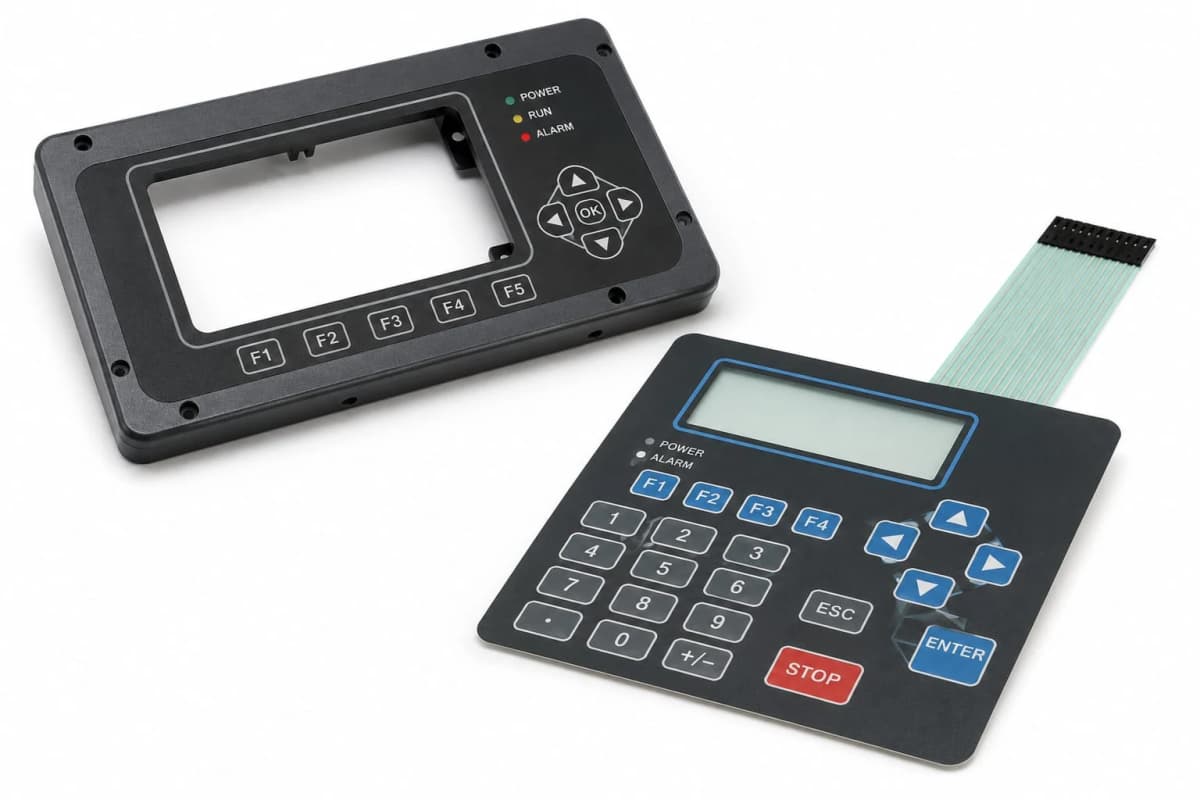
- Display windows usually need a polished or anti-glare finish, separate from the key field.
- Texture can soften backlit legends, so test with a lit sample.
- Specify the finish with a gloss target or a reference sample, not just a word.
Gloss Finish
A smooth, shiny surface with high reflectivity.
Advantages: vivid color, sharp graphics, premium appearance and easy wiping.
Limitations: shows fingerprints and scratches, reflects room light and can create glare.
Best for: consumer products and indoor equipment where appearance leads.
Matte Finish
A diffused surface that scatters light and cuts glare.
Advantages: reduces reflections, hides fingerprints and light scratches, and suits bright environments.
Limitations: colors look slightly less saturated, and a very matte surface can feel less crisp.
Best for: industrial, outdoor and general-purpose controls.
Fine Texture
A subtle surface pattern that sits between matte and coarse.
Advantages: good scratch masking, pleasant feel, reduced glare, and a common default.
Limitations: slightly harder to clean than a smooth surface.
Best for: most membrane keypads that need a balanced finish.
Coarse Texture
A pronounced pattern with more visible grain.
Advantages: hides wear well, offers a grippy feel and reduces glare strongly.
Limitations: traps dirt, softens fine graphics and backlit legends, and is harder to disinfect.
Best for: rugged equipment where appearance after abuse matters more than precision.
Hardcoat
A hardcoat is a thin, durable coating on the touch surface.
Advantages: much better scratch and abrasion resistance, improved chemical resistance and longer cosmetic life.
Limitations: adds cost, and thick coatings can reduce flexibility if misapplied at embossed sites.
Best for: polycarbonate overlays, high-touch products and equipment cleaned with aggressive agents.
Anti-Glare and Anti-Fingerprint Treatments
Anti-glare surfaces scatter light so reflections are less distinct, and are common over displays. Anti-fingerprint coatings reduce visible smudging and make cleaning easier.
Advantages: better readability under bright light, cleaner appearance in use.
Limitations: anti-glare can slightly soften sharpness, and coatings should be validated for durability against cleaning.
Best for: display windows, outdoor panels and touch-heavy products.
Surface Finishes Compared
| Feature | Gloss | Matte | Fine texture | Coarse texture | With hardcoat |
|---|---|---|---|---|---|
| Glare | High | Low | Low | Very low | Depends on base |
| Fingerprints | Very visible | Low | Low | Very low | Depends on base |
| Scratch visibility | High | Moderate | Low | Very low | Much lower |
| Ease of cleaning | Very easy | Easy | Moderate | Harder | Easier |
| Backlit legend clarity | Excellent | Good | Good | Softer | Depends on base |
| Premium look | Highest | Good | Good | Industrial | Neutral |
| Relative cost | Low | Low | Low to moderate | Moderate | Higher |
Choosing a Finish by Environment
- Bright light or outdoors: matte or anti-glare to cut reflections.
- Clinical or food settings: smooth surface with hardcoat, validated against disinfectants.
- Industrial and gloved use: fine or coarse texture, with hardcoat for abrasion.
- Premium consumer: gloss or fine matte, with careful scratch protection.
- Dark use with backlighting: smooth or very fine texture to keep legends sharp.
Combining Finishes on One Overlay
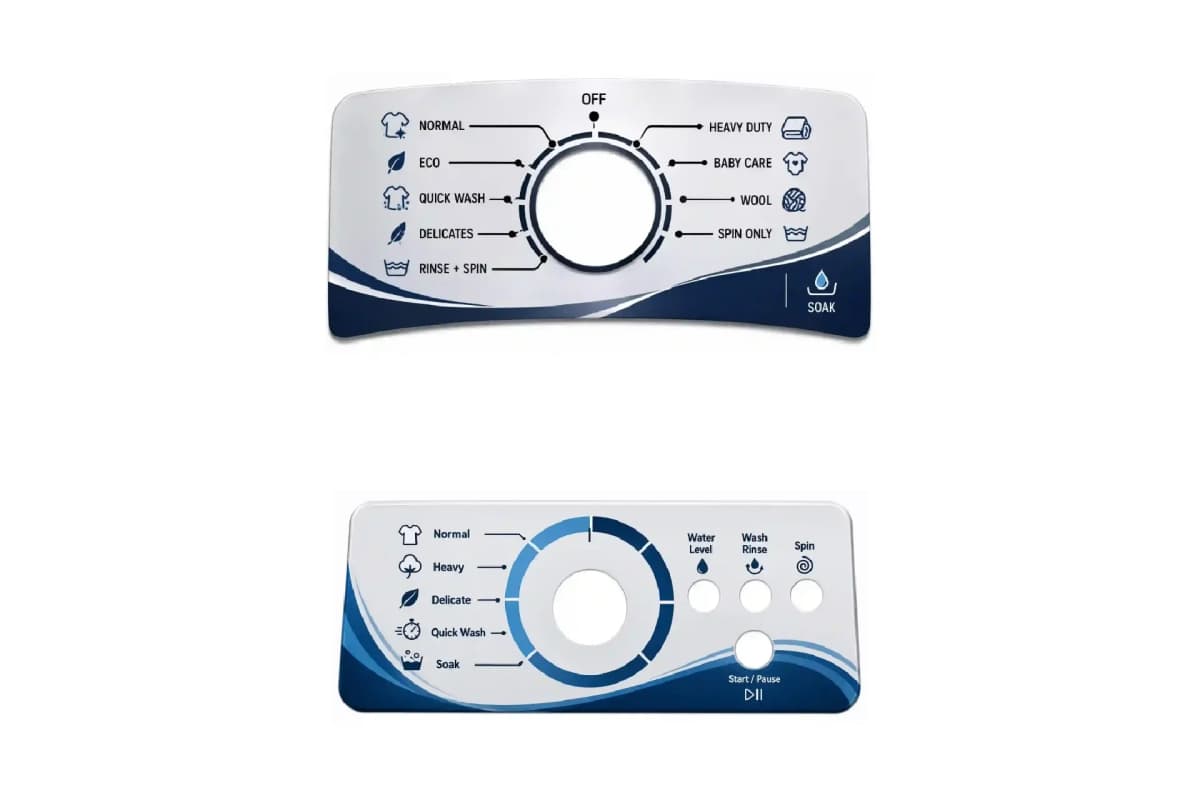
A single overlay can use different finishes in different areas. A polished window over a display, a fine-texture key field and a smooth ink border are common. Mixed finishes cost a little more but give the best result for readability and feel. Take care at the transitions, and confirm the supplier can hold the boundaries accurately.
Specifying a Finish
Words such as "matte" mean different things to different people. To avoid argument at approval:
- Give a gloss target at a stated angle, or agree a reference sample
- State where each finish applies, with a drawing
- Specify any hardcoat and the chemicals it must resist
- Define cleaning agents the surface must withstand
- Approve a lit sample if the keypad is backlit
Manufacturing Insight: Always view finish samples under the lighting the product will actually see. A matte that looks perfect in an office can look washed out under bright shop lights, and a gloss that looks great in the studio can be unusable in sunlight.
Common Mistakes
- Specifying "matte" with no target. It means different things to different people.
- Using gloss on a high-touch industrial panel. It will look worn quickly.
- Skipping hardcoat on polycarbonate. Scratches and chemical marks appear early.
- Choosing coarse texture for a lit keypad. It softens legends.
- Treating the display window like the key field. The window usually needs a clearer finish.
- Not testing with cleaning agents. Some finishes cloud or wear off.
Decision Framework
- Where will the keypad be used, and under what lighting?
- Is the surface cleaned with strong agents? Specify a hardcoat and validate it.
- Is appearance after months of abuse the priority? Choose fine or coarse texture.
- Is it backlit? Prefer smooth or fine texture, and test the lit sample.
- Is there a display window? Use a polished or anti-glare finish there.
- Fix the finish with a gloss target or reference sample on the drawing.
Frequently Asked Questions
What surface finishes are available for graphic overlays?
The common finishes are gloss, matte, fine texture and coarse texture. They can be combined with a hardcoat and with anti-glare or anti-fingerprint treatments.
What is a hardcoat on an overlay?
A hardcoat is a thin, hard coating applied to the surface to resist scratches, abrasion and some chemicals. It is especially valuable on polycarbonate.
Should I choose gloss or matte?
Gloss gives vivid color and a premium look but shows scratches and fingerprints. Matte reduces glare and hides wear. Fine texture is a common compromise.
Do I need a different finish over a display window?
Often yes. Windows usually use a polished clear finish, sometimes with an anti-glare treatment, while keys use a matte or textured finish.
Does the finish affect backlighting?
Yes. Heavier textures scatter light and soften legends, while very glossy surfaces can reflect. Test with a lit sample.
Which finish is easiest to clean?
Smooth finishes with a hardcoat are generally easiest to wipe, while coarse textures can trap soil.
Conclusion
Finish is a functional decision. Pick from the environment, pair it with a hardcoat where abuse is likely, treat display windows separately, and define the target with a number or a reference sample. A short review under real lighting avoids most disputes at approval.
For help specifying a finish, contact our engineering team.